Cancel a subscription
Subscriptions renew automatically until you cancel them.
For: Subscriber (the baseline's owner)Where: Home › Baseline Controller › Subscription
Steps
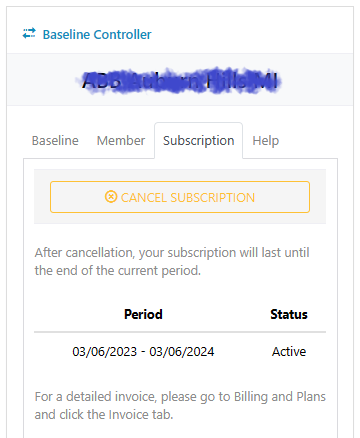
- On Home, click the baseline’s card to select it, then open the Subscription tab in the Baseline Controller.
- Click Cancel subscription and confirm.
What you’ll see next
When you cancel at any point during your monthly or annual cycle, the baseline stays active until the end of the current billing period and won’t renew after that. Past payments are not refunded.
Only the subscriber (the baseline’s owner) can cancel the subscription. After an ownership transfer, that’s the new owner. Other people see the button grayed out.