Systems
Describe the building’s HVAC and domestic hot water systems, and its schedules for monthly data.
For: AnalyzerWhere: Home › Systems card
Steps
- On Home, click the baseline’s Systems card. The window is named System Setup, or System & Schedule Setup for monthly data.
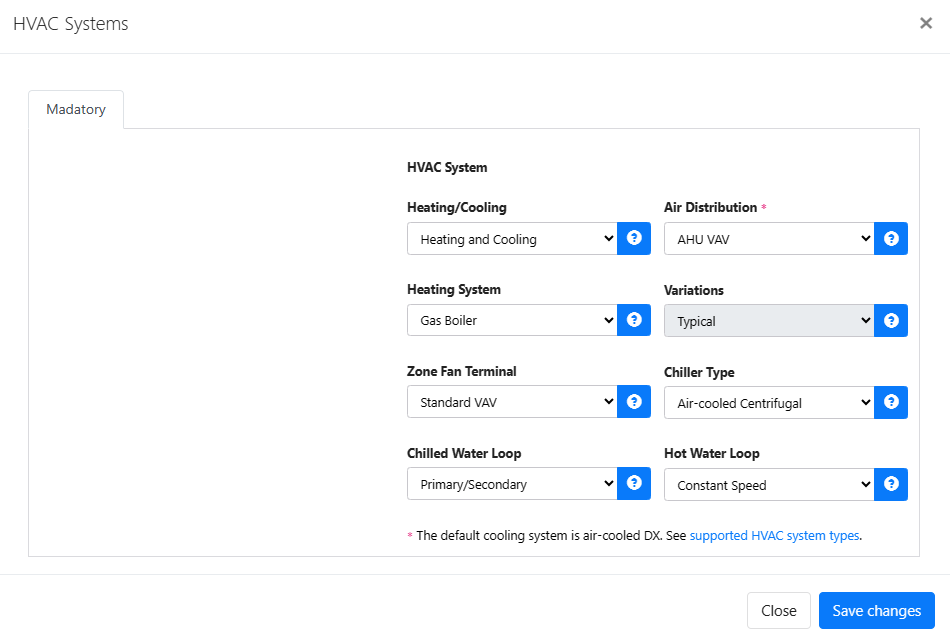
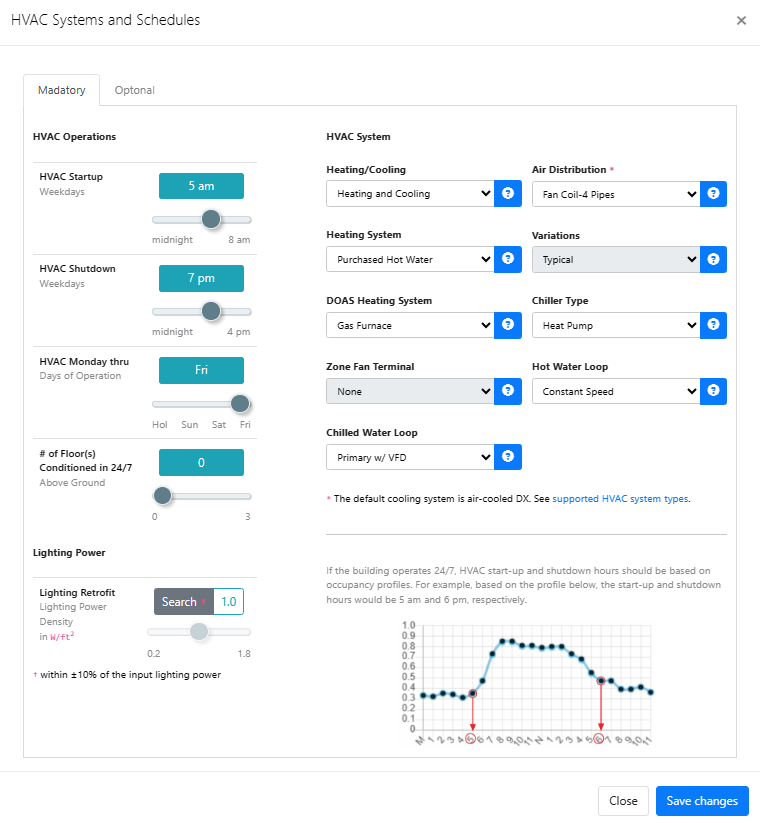
- On HVAC & DHW Systems, describe the predominant system under Primary HVAC with Heating/Cooling Capability, Air Distribution System, Zone Terminal Type, System Configuration, Heating System and Hot Water Loop. If part of the building has a different system, describe it under Secondary HVAC. Then complete Chilled Water Plant and Domestic Hot Water System. Options that don’t apply are grayed out automatically.
- For monthly data, complete Lighting & HVAC Schedules (required) and, if you can, Optional Inputs.
- Click Save Settings.
On a calibrated baseline, saving a change to the HVAC systems or schedules sends the baseline back to preparation. It leaves the Benchmark and Energy Audit lists until you check inputs and run the calibration again. A change to the domestic hot water system alone updates the model without a new calibration.
What you’ll see next
The Systems card no longer shows Pending. When all four cards are done, check inputs and run the calibration.